Skip to content

For meet directors

Publish Your Meet with ScoreCat

Give every family in the stands live scores as they post — individual scores, team standings, and full session results on whatever device they're holding. Whatever scoring software runs your meet, we'll get you set up and support you through the last rotation.

STEP-BY-STEP

Let's Get You Started!

If you're a meet director or score manager setting up live scoring with ScoreCat, you're in the right place. Setup takes only a few minutes, and publishing is always free. Questions? Reach our support team through our contact form.

Step 1: Create your ScoreCat account

If you are new to ScoreCat, create an account first. It gives you access to the Event Portal, where you can update your event info, delete unwanted sessions and generate API keys manually. Creating an account sends you a verification email — verify your address to unlock API key requests. Already registered? Skip to step two.

Step 2: Connect your scoring software

Pick the software that runs your meet below and follow its guide. Using something else? Generate a Meet ID and API key in the ScoreCat Event Portal and enter them in your scoring software's ScoreCat publishing settings.

SETUP GUIDES

Choose your scoring software

  • Gym Art

    Connect once from the Connectors page in Gym Art Meets, then switch on live publishing.

    Open the Gym Art guide
  • ProScore

    Register your meet from the Publish to ScoreCat window in ProScore — the Meet ID and API key fill in automatically.

    Open the ProScore guide
  • Using other scoring software?

    Sign in to the Event Portal, generate a Meet ID and API key, and enter them in your software's ScoreCat publishing settings. If your software doesn't publish to ScoreCat yet, let us know.

    Open the Event Portal Contact us

Step 3: Help families find the scores

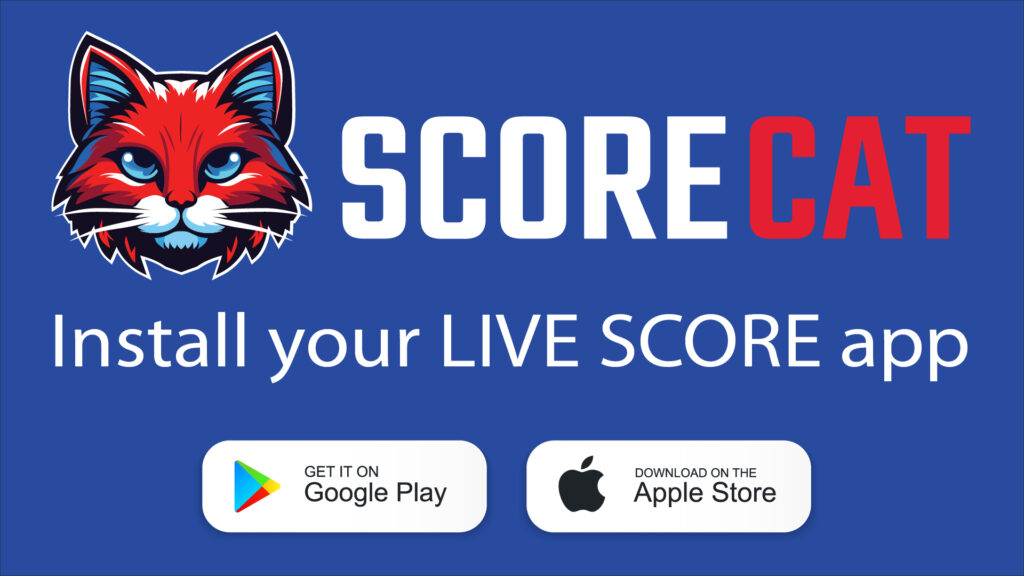
Make sure your audience knows where to find live scores. Show this banner on your scoreboard or venue screens between scores, or print it for the entrance.

Download the ScoreCat TV banner ScoreCat TV banner preview